
Description
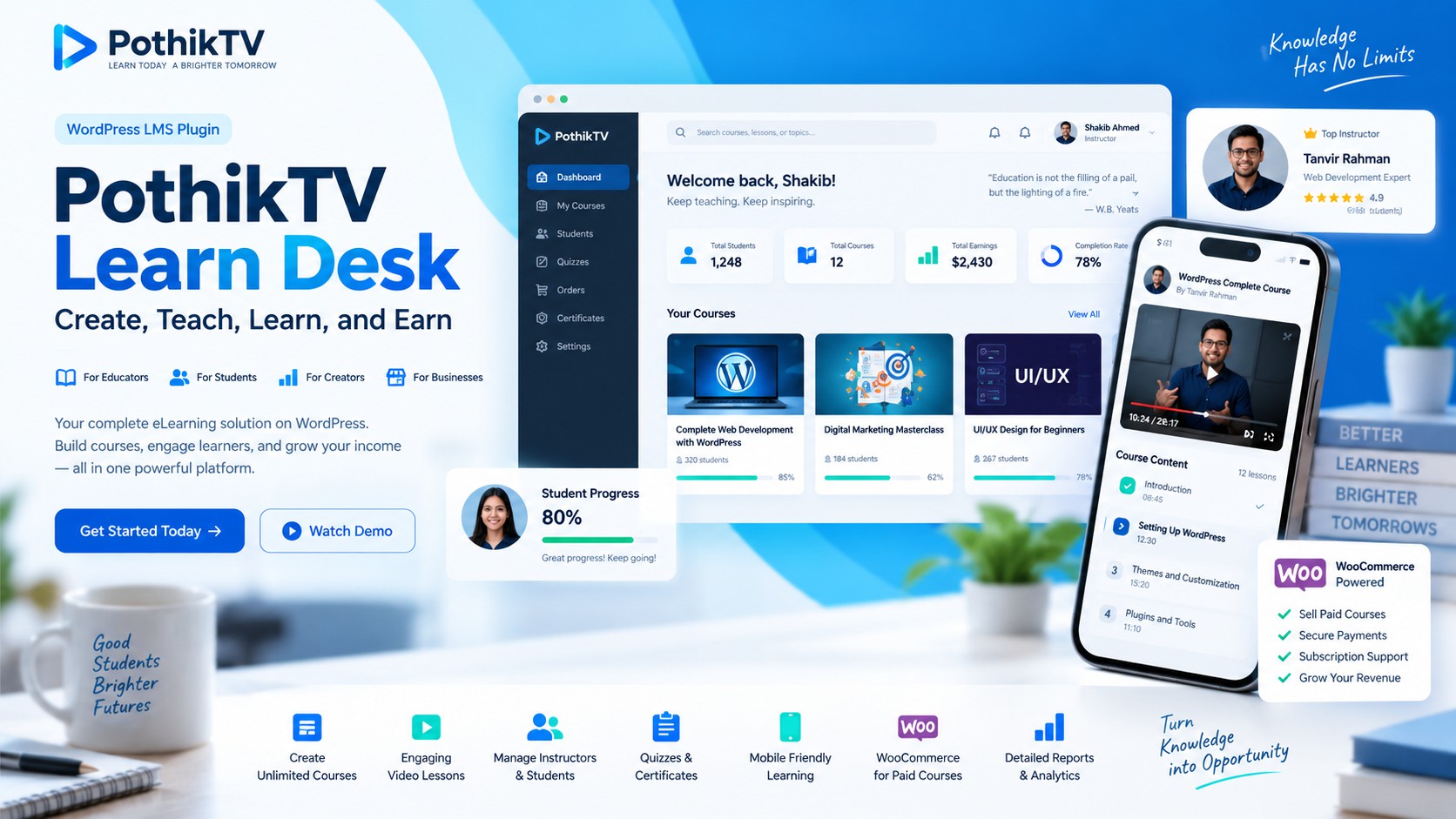
Create, Teach, Learn, and Earn with One Powerful Learning Platform.
PothikTV Learn Desk Pro is a modern WordPress Learning Management System (LMS) designed for educational institutions, professional trainers, journalists, mentors, and online course creators.
Build your own e-learning platform, publish video courses, manage students, conduct assessments, sell premium courses through WooCommerce, and monitor learning progress from a centralized dashboard.
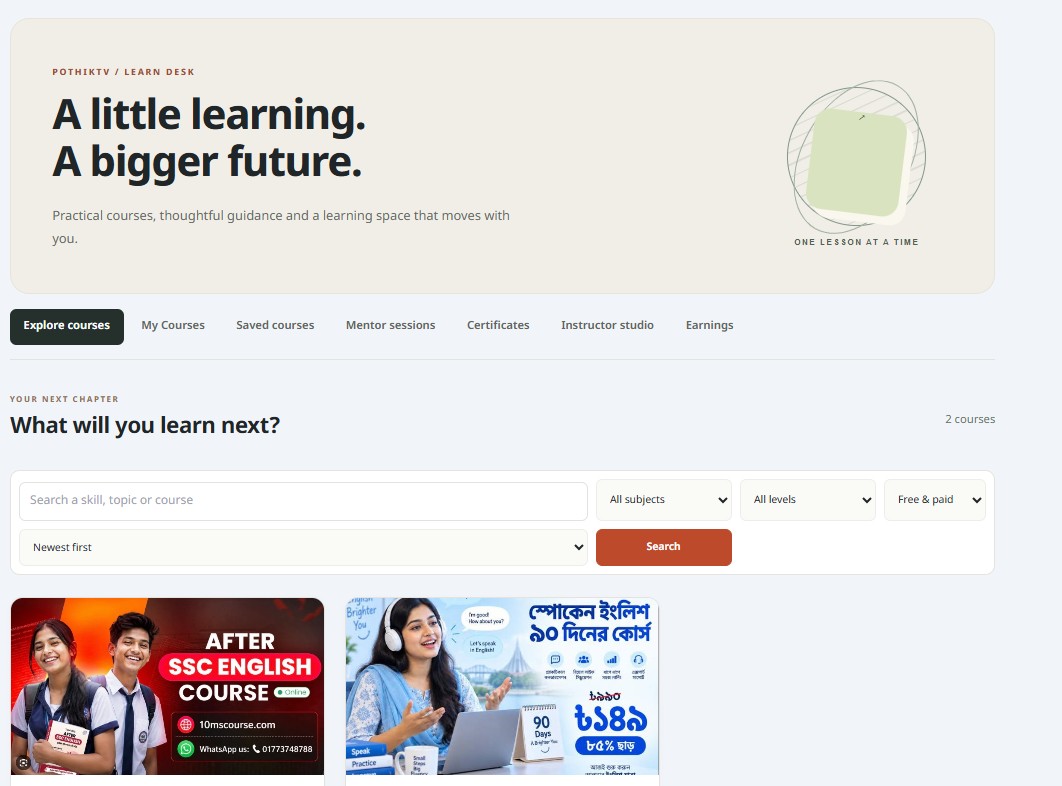
With its responsive interface and integration with the PothikTV ecosystem, Learn Desk provides an accessible learning experience across desktop, tablet, and mobile devices.
1. Key Features
Advanced Course Management
- Create and manage unlimited courses and lessons.
- Organize courses into structured learning modules.
- Add course descriptions, featured images, learning objectives, and prerequisites.
- Create free and paid courses.
- Offer free preview lessons for premium courses.
- Manage course publication and approval workflows.
Modern Video Learning System
PothikTV Learn Desk includes a customizable video learning system designed for online education.
Supported video options:
- YouTube public and unlisted videos
- Vimeo videos
- Supported third-party video embeds
- Self-hosted MP4 and WebM videos
Video player features:
- Responsive video playback
- Fullscreen viewing
- Adjustable playback speed
- Ten-second forward and backward controls
- Video progress restoration for supported self-hosted videos
- Mobile-friendly viewing experience
Third-party video playback depends on the hosting platform’s embedding permissions.
Mentor Application and Management
Allow qualified users to become instructors through a structured application and approval system.
Features include mentor applications, administrator approval, instructor dashboards, course creation, student management, earnings reports, and course performance analytics.
WooCommerce Integration
Monetize online education using WooCommerce.
- Create and sell premium courses.
- Connect paid courses with WooCommerce products.
- Provide access after payment confirmation.
- Support payment gateways configured through WooCommerce.
- Manage course purchases and purchase history.
- Offer discounts through WooCommerce coupons.
Payment gateway availability depends on the merchant’s WooCommerce configuration.
2. Student Learning Dashboard
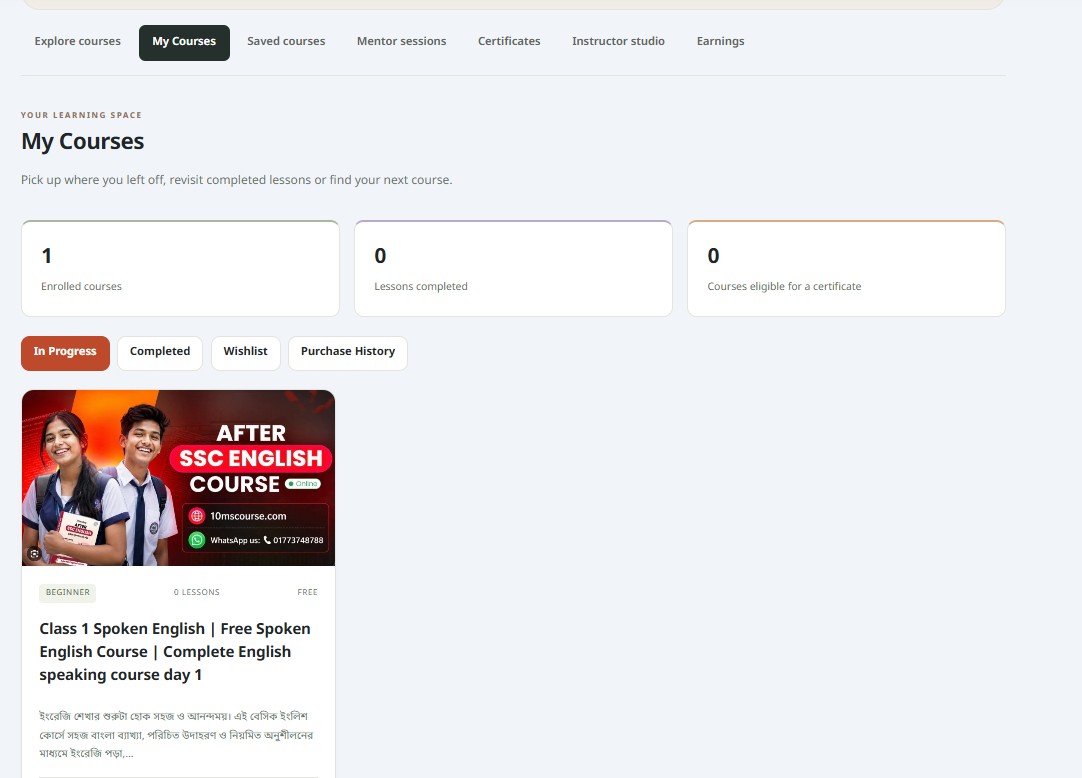
The My Courses dashboard provides students with a centralized learning environment.
Students can access enrolled courses, continue unfinished lessons, monitor progress, view completed courses, manage wishlists, and review their course purchase history.
The interface is designed for mobile and desktop users.
3. Assessments and Certificates
PothikTV Learn Desk supports essential tools for evaluating student performance.
- Online quizzes and attempt tracking
- Assignment submission and evaluation workflows
- Lesson completion tracking
- Course progress monitoring
- Course completion certificates
These features help instructors organize learning activities and monitor student participation.
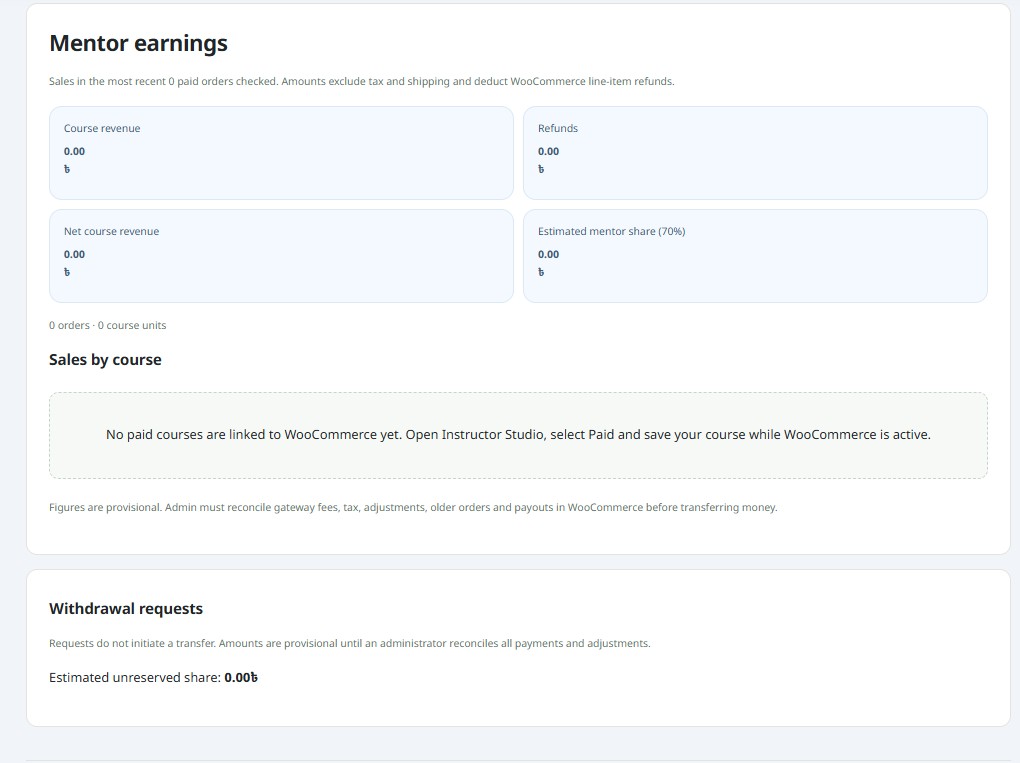
4. Instructor Earnings and Withdrawal Management
The platform includes tools for managing course revenue and instructor earnings.
Mentors can review course sales, estimated earnings, applicable commissions, and withdrawal requests.
Administrators can review withdrawal applications, maintain payout records, and manage payment statuses.
Important: Instructor withdrawals and payouts currently use a manual management process. Automatic bank or mobile wallet transfers are not included.
5. Course Reviews and Notifications
Students can submit course ratings and written reviews, subject to the platform’s moderation settings.
The system also supports learning-related notifications, including enrollment, certificate generation, assignment activities, and selected mentor-student interactions.
6. Designed for Educational Organizations
PothikTV Learn Desk is suitable for:
- Online education platforms
- Journalism and media training institutes
- Professional development programs
- Independent instructors and mentors
- Schools and training centers
- Corporate training programs
- Digital skills and technology courses
Its modular structure allows organizations to manage educational content and expand their learning services.
7. Installation Instructions
- Purchase and download the PothikTV Learn Desk plugin ZIP file.
- Log in to your WordPress administration dashboard.
- Navigate to Plugins → Add New → Upload Plugin.
- Select the downloaded ZIP file.
- Click Install Now and activate the plugin.
- Configure the learning settings, course categories, and instructor permissions.
- Install and activate WooCommerce if you plan to sell paid courses.
- Configure your preferred payment gateway and test the checkout process.
- Create your first course and start enrolling students.
Before installing on an existing website, create a complete backup of your files and database.
Reviews
There are no reviews yet.